

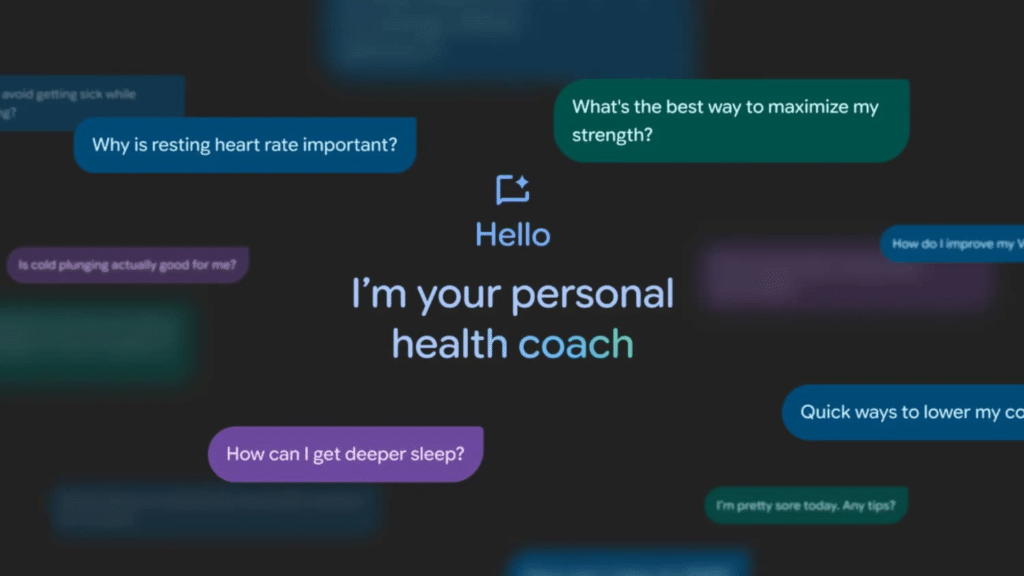
Fitbit just made its AI coach easier to access: it’s now rolling out to iPhone users via Public Preview, with availability expanding beyond the U.S. to several other countries (in English).
What it’s good at
This isn’t “medical AI.” It’s a conversational layer inside Fitbit that:
- interprets your recent results,
- helps create routines and workouts based on goals/equipment,
- aims to make the app feel more actionable.
Before you try it
You need Fitbit Premium, eligible devices, and to opt into Public Preview / advanced AI insights.
The sane way to use it
Use it like a planner, not a judge:
- Ask for one weekly plan (3 workouts, 2 walks, one recovery day).
- Ask for one barrier fix (“What’s a 10-minute routine on travel days?”).
- Review weekly—don’t chase daily score perfection.
Public preview caveat
Public Preview features change, and some things may not work perfectly during rollout. Treat this as a useful coaching shortcut—not “truth.”
